Bluetooth 5.3 TWS Earbuds: Fit, Battery & Call Tips
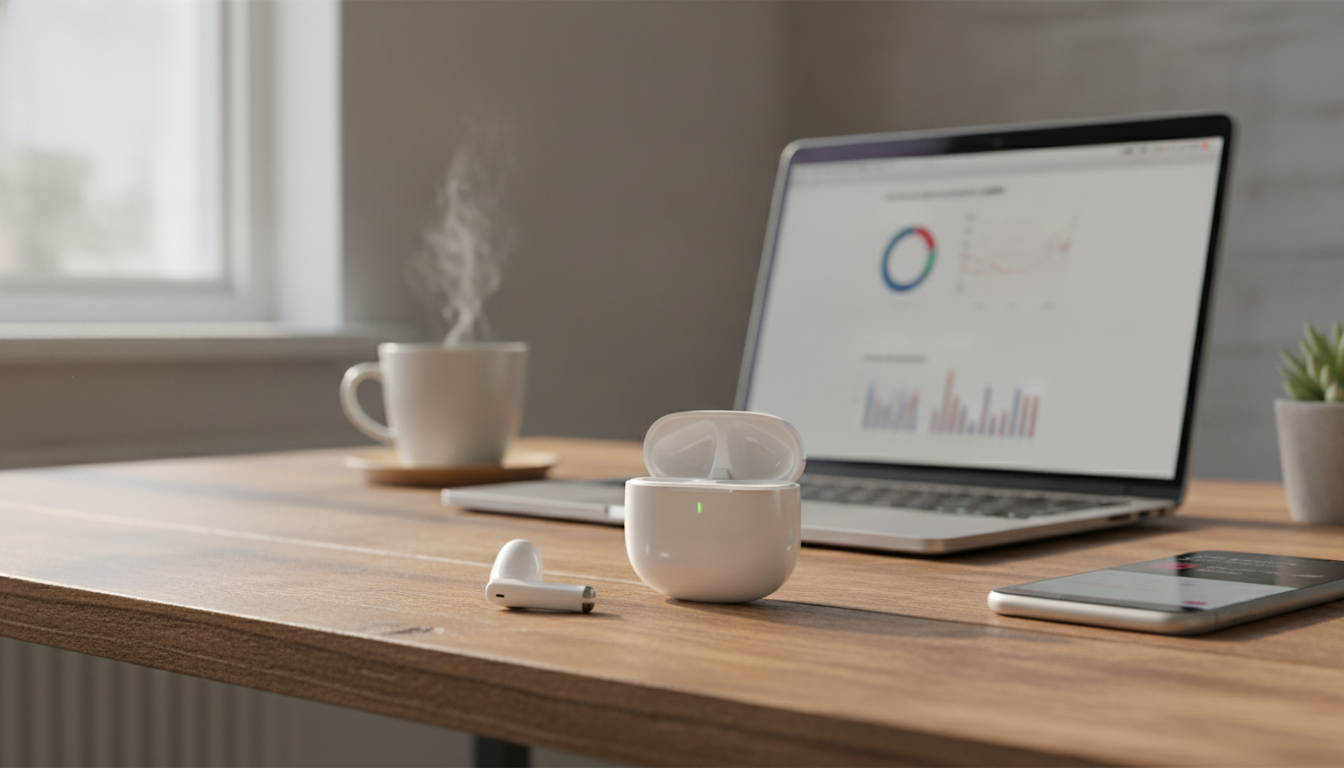
Wireless Earbuds TWS Bluetooth 5.3: Everyday Sound, Stable Connection, Pocket-Friendly Convenience
True wireless earbuds are built for quick commutes, calls on the go, and lightweight listening without cables. The best pairs feel simple: open the case, they connect fast, and they stay comfortable long enough to forget they’re there. This guide focuses on what tends to matter day to day—connection stability, fit, battery habits, and real-life scenarios—so it’s easier to decide whether a Bluetooth 5.3 TWS set matches a typical routine. For more guidance, see Best Earbud & In-Ear Headphones.
What “TWS” and Bluetooth 5.3 Mean in Daily Use
TWS (True Wireless Stereo) means each earbud connects wirelessly and works together as a left/right pair—no wire between earbuds and no neckband. That freedom is the main appeal for commuting, errands, and quick calls. For further reading, see Best Wireless Earbuds of 2025 – Ultimate LIST.
Bluetooth 5.3 is designed around more efficient connections and better power management compared with older Bluetooth versions. The real-world experience still depends on phone support, local interference (crowded gyms, apartment buildings, transit), and how smoothly the earbuds handle reconnecting after you put them back in the case.
Practical takeaway: expect smoother reconnection after taking the earbuds out of the case and fewer dropouts in typical indoor environments—especially if you keep your phone within a reasonable range and avoid heavy interference zones. For deeper technical details on Bluetooth versions, the official Bluetooth Core Specification is the best reference.
Quick Specs and What to Look For
Spec sheets can be helpful, but everyday satisfaction usually comes down to a few “touchpoints” you’ll notice immediately:
- Fit style: Earbud shape and ear tips (if included) affect comfort, isolation, and bass response.
- Controls: Touch/button controls should cover play/pause, track skip, call handling, and voice assistant access without constant phone use.
- Microphone performance: Call clarity in a quiet room can be very different from windy streets—test a short call early.
- Charging case convenience: Pocketability, lid strength, and clear charge indicators often matter more than a long list of minor features.
At-a-glance checklist for wireless earbuds
| Feature | Why it matters | What to verify on arrival |
|---|---|---|
| Pairing speed | Reduces friction for quick listening | Open case: earbuds should appear in Bluetooth list within seconds |
| Connection stability | Prevents dropouts and desync | Walk around home/office for 5–10 minutes; note interruptions |
| Comfort & seal | Affects long wear and bass | Wear 30–60 minutes; jaw movement shouldn’t loosen fit |
| Call quality | Improves meetings and voice notes | Test a call indoors and outdoors; check wind handling |
| Battery habits | Determines how often charging is needed | Track one full day of use; confirm case recharges earbuds reliably |
| Controls | Reduces phone handling | Try volume/skip/call actions; confirm gestures aren’t overly sensitive |
Sound Quality Basics: What Changes the Most
With wireless earbuds, sound quality is often less about “magic tuning” and more about consistency. The seal you get in your ear changes everything:
- Bass and clarity are heavily influenced by seal: A better seal typically boosts perceived bass and reduces outside noise.
- For podcasts and calls, midrange clarity matters most: Voices live in the mids; too much bass can mask speech details.
- For workouts, stability beats perfection: A stable fit helps keep the seal consistent, which keeps the sound consistent.
- EQ can help: If your phone or music app has EQ, try a small bass reduction and a slight mid boost for clearer vocals.
Calls, Meetings, and Outdoor Use
Microphone placement and software processing strongly influence how you sound to other people—especially near traffic or in wind. A quick “real life” check can save frustration: record a 20-second voice memo outdoors and listen for wind blast, pumping, or voice thinning.
For clearer calls, keep your phone’s Bluetooth connection stable (avoid burying the phone under layers of fabric in a tight pocket), and update any companion app/firmware if supported. If callers report echo, lower playback volume a notch and make sure both earbuds are seated evenly so one mic isn’t doing all the work.
If you ever need to verify device compliance details or look up certifications for specific electronics, the FCC Equipment Authorization database is a useful official resource.
Battery, Charging Case, and Long-Term Care
Connectivity, Latency, and Common Fixes
Comfort and Fit for Workouts and All-Day Wear
Wireless Earbuds TWS Bluetooth 5.3: Who They Suit Best
Product Pick: Wireless Earbuds TWS Bluetooth 5.3
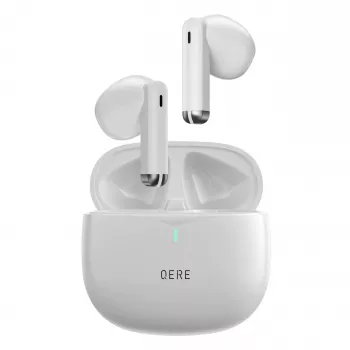
If the goal is straightforward daily listening—walking, commuting, quick calls, and casual music—a budget-friendly TWS set built around Bluetooth 5.3 can be a practical choice. See current pricing, availability, and photos on the product page for Wireless Earbuds TWS Bluetooth 5.3 (currently listed at $25.51).
More in-stock digital picks
- Your Smart Guide to Investing in Rural Real Estate | Digital eBook
- Your Smart Start Checklist for Commercial Property Success – eBook
FAQ
How do true wireless earbuds connect and pair the first time?
Open the charging case, enable Bluetooth on your phone, then select the earbuds from the available device list and allow permissions for calls and media if prompted. After the first pairing, most earbuds reconnect automatically when you take them out of the case.
Why does one earbud sometimes stop working or go out of sync?
This is commonly caused by low battery, heavy Bluetooth interference, or a pairing state glitch. Put both earbuds back in the case to charge, “forget” the earbuds in your phone’s Bluetooth settings, then pair again; use the earbuds’ reset process if available.
Do Bluetooth 5.3 earbuds work with older phones?
Yes—Bluetooth is backward compatible, so the earbuds will connect using whatever Bluetooth version your phone supports. Performance depends on the phone, supported codecs, and how much wireless interference is in your environment.













Leave a comment