4K Android Projector Setup: Auto Keystone, 5GHz & BT
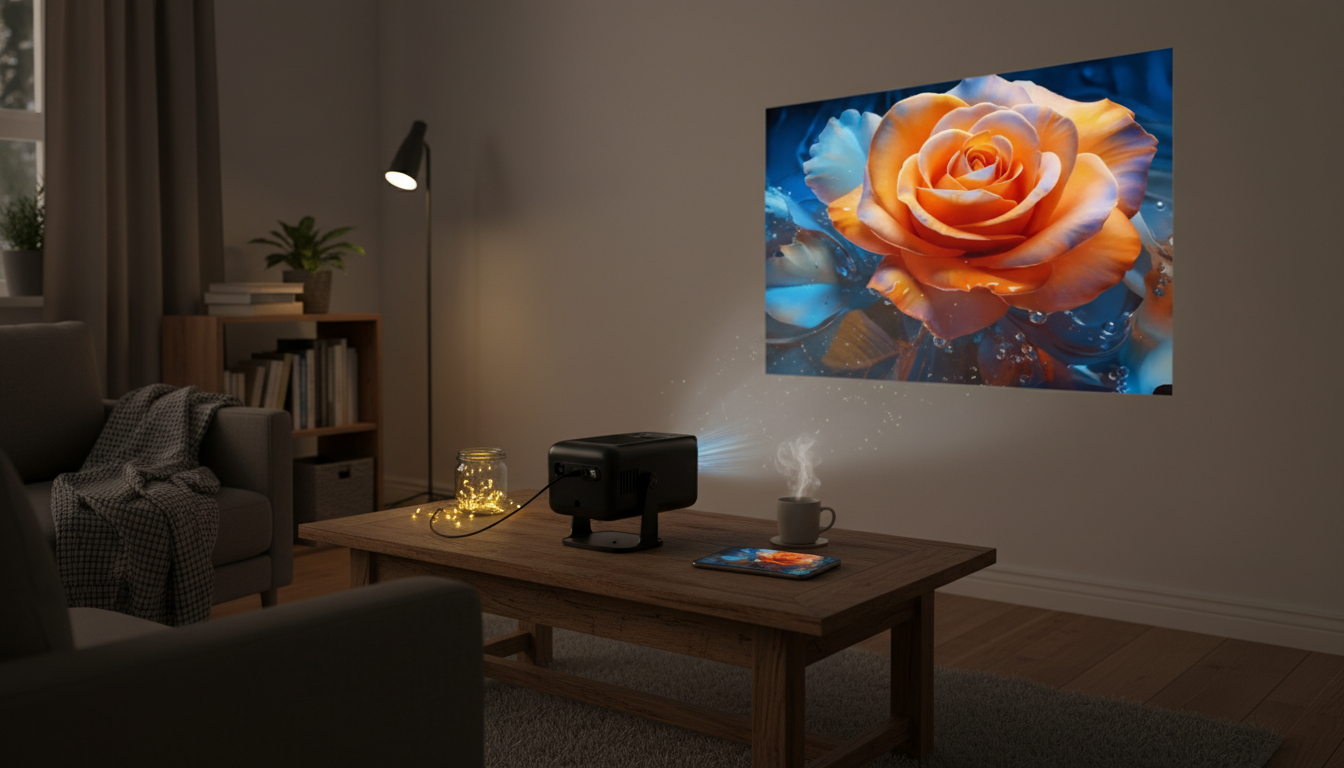
4K Smart Android Projector with Auto Correction, 5G WiFi, and Bluetooth: Home Cinema Setup Made Simple
A smart projector can replace a TV for movie nights, casual gaming, presentations, and backyard screenings—without the installation hassle. What matters in real living rooms isn’t just the spec list; it’s how quickly you can get a squared image, how stable wireless streaming feels, and whether audio can reach a better speaker without running cables across the floor. Below is a practical guide to auto correction and keystone, 5 GHz WiFi streaming, Bluetooth audio, and a straightforward setup flow for getting a sharp picture fast.
What Makes a Smart Android Projector Different
A smart Android projector is designed to act more like a standalone entertainment hub than a “dumb” display. That changes how you use it day to day—especially when you’re moving it between rooms or setting it up for quick events.
- Built-in Android interface: You can browse and play media directly from the projector without relying on an external streaming stick (app availability depends on what’s installed and supported).
- Flexible sharing options: Wireless screen mirroring varies by phone, tablet, and laptop. For maximum compatibility, it’s smart to keep a reliable backup like HDMI available.
- Fewer cables, same fundamentals: Smart features reduce clutter, but image quality still depends on placement, ambient light, and careful focus.
For reference on how these wireless standards are governed and certified, you can review the organizations behind them: Android, Wi‑Fi Alliance, and Bluetooth SIG.
Auto Correction and Keystone: Faster Setup, Cleaner Edges
Auto correction (often paired with keystone adjustment) is one of the most useful quality-of-life features for everyday setups. If your projector sits a little off-center on a bedside table or you’re projecting at an angle in a living room, auto correction helps square the image quickly.
- Auto correction speeds the “good enough” setup: Great for bedrooms, apartments, or casual movie nights where you don’t want a long calibration routine.
- Physical alignment still matters: The more you correct digitally, the more you risk losing effective resolution at the edges. Starting closer to centered alignment helps preserve sharpness.
- Stability prevents constant re-correction: A wobbly surface can cause drift that forces frequent adjustments.
Common Placement Issues and Quick Fixes
| Situation | What You See | Fix |
|---|---|---|
| Projector too far left/right of screen | Trapezoid or angled rectangle | Move closer to center; then run auto correction |
| Projector tilted up/down | Top edge wider/narrower than bottom | Level the base; use auto correction only for fine-tuning |
| Projector too close to wall | Small image, reduced immersion | Increase distance gradually until size is comfortable |
| Uneven surface or shaky stand | Image shifts or needs frequent correction | Use a stable stand/tripod; avoid soft surfaces |
5G WiFi (5 GHz) Streaming: When It Helps and When It Doesn’t
Many projectors advertise “5G WiFi,” which typically means support for the 5 GHz WiFi band (not cellular 5G). In practice, 5 GHz can be a real upgrade when you’re streaming in a busy home network environment.
- When 5 GHz helps: In apartments or homes with lots of nearby networks, 5 GHz often experiences less interference than 2.4 GHz and can deliver smoother streaming at higher bitrates.
- When 5 GHz doesn’t help: Range is usually shorter, especially through walls. If the projector is far from the router, 2.4 GHz may hold a steadier connection.
- Reliable fallback: For consoles, laptops, or a dedicated streaming device, HDMI remains the most consistent option—especially if you’re sensitive to buffering or WiFi congestion.
If you’re seeing hiccups, a practical move is placing the router closer to the viewing area or using a mesh node instead of endlessly changing settings.
Bluetooth Audio: Better Sound Without a Cable Run
Built-in projector speakers can be convenient, but they’re rarely the highlight of the experience—especially in larger rooms or outdoor setups. Bluetooth gives you an easy way to pair a soundbar, portable speaker, or headphones.
Picture Quality Basics: 4K Content vs. On-Screen Clarity
Best Use Cases: Where This Type of Projector Shines
Setup Checklist for a Clean, Squared Image
Product Spotlight: 4K Smart Android Projector with Auto Correction, 5G WiFi, and Bluetooth
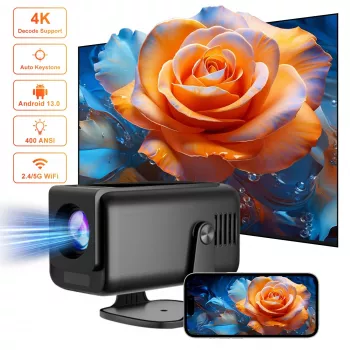
If the goal is budget-friendly big-screen viewing with modern conveniences, the 4K Smart Android Projector with Auto Correction, 5G WiFi, and Bluetooth is built for simple home cinema setups. The combination of built-in smart features, auto correction for faster alignment, and wireless options for streaming and audio pairing makes it a practical fit for bedrooms, living rooms, and pop-up movie nights.
At-a-Glance
| Item | Details |
|---|---|
| Product | 4K Smart Android Projector with Auto Correction, 5G WiFi, and Bluetooth |
| Price | $122.01 USD |
| Availability | In stock |
More In-Stock Picks
- Solid Wood Cat Tree with Hammock & Nest
- New Balance Men’s Green Cotton T-shirt with Pocket
- Feel Alive Again Checklist – Digital Download Self-Care Guide
FAQ
Does auto correction replace manual keystone adjustment?
Auto correction can dramatically speed up setup, but starting with good physical alignment usually preserves sharper edges and more consistent corner detail. Manual tweaks can still be useful when you want extra precision or when the room layout forces an awkward angle.
Is 5 GHz WiFi always better than 2.4 GHz for a projector?
Not always—5 GHz often delivers smoother streaming when you’re closer to the router, while 2.4 GHz can be more reliable at longer range or through walls. For maximum stability with high-bitrate content, keeping HDMI available as a fallback is a smart move.
Can Bluetooth speakers cause lip-sync delay?
Yes, Bluetooth can introduce some audio latency depending on the speaker or headphones. If lip sync is noticeable, try a low-latency Bluetooth option or switch to a wired connection for gaming and dialogue-heavy viewing.















Leave a comment