1080p Smart Projector: HDR10, WiFi 6, Bluetooth + Netflix
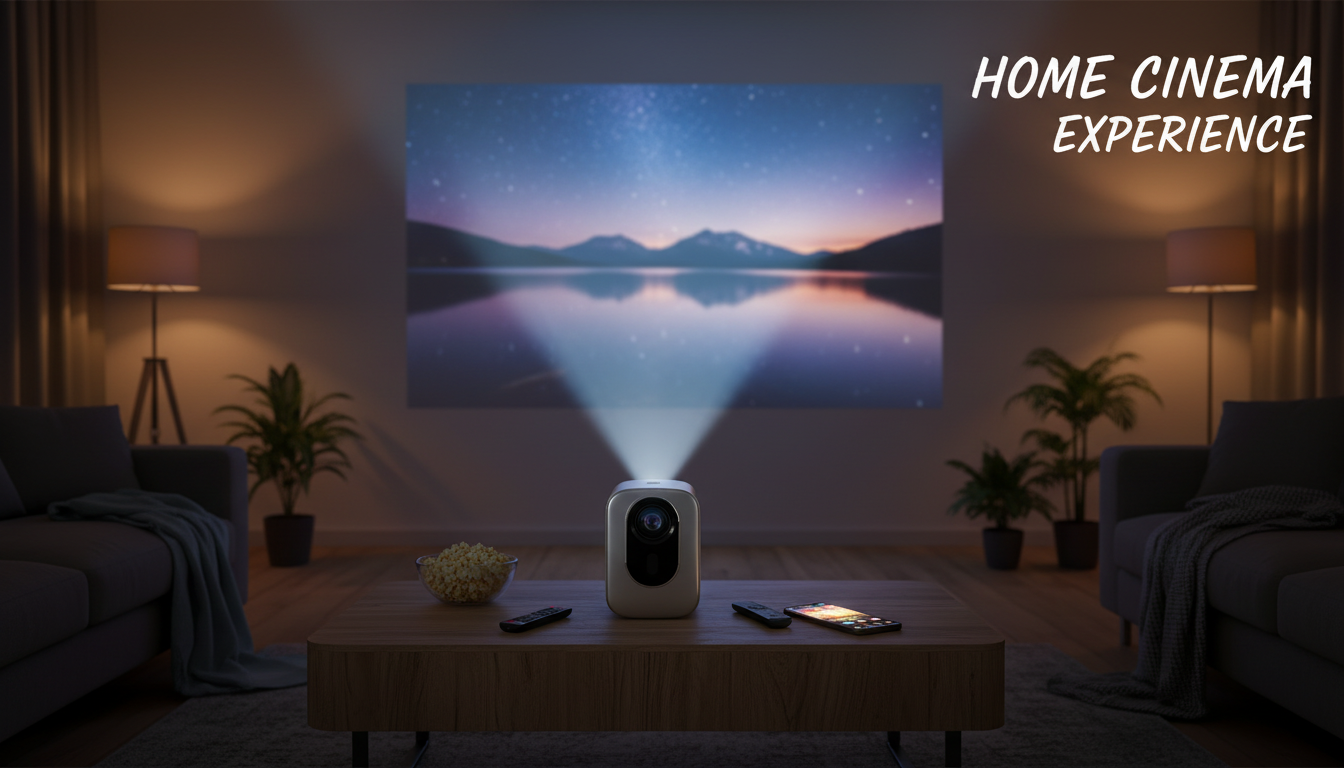
1080P Smart Home Projector with HDR10, WiFi 6, Bluetooth, and Netflix Built-In
A modern home projector can recreate the “big screen” feel without dedicating a wall to a TV. With a flexible setup, you can go from weeknight episodes to a full movie-night layout in minutes. This 1080P smart projector is built for that kind of everyday convenience—pairing Full HD clarity, HDR10 support, WiFi 6 networking, Bluetooth audio, and Netflix built-in so you can start watching fast, keep the image crisp, and keep the room clean of extra boxes and cables. For more guidance, see The 7 Best Home Theater Projectors of 2026 – RTINGS.com.
What This Projector Is Designed To Do
- Deliver a sharp Full HD (1080P) picture suitable for movies, TV series, and live events
- Improve perceived contrast and highlight detail with HDR10-compatible content
- Stream with fewer dropouts on supported networks using WiFi 6
- Pair with Bluetooth speakers or headphones for cleaner sound without long cables
- Reduce device clutter by offering Netflix inside the projector’s smart interface
If you want a single device that covers the essentials—picture, streaming, and convenient audio options—this kind of all-in-one design is aimed at simplifying the whole living-room (or bedroom) cinema routine.
Picture Quality: 1080P Resolution and HDR10
Native 1080P resolution is a practical sweet spot for home projection. It holds onto the small details that matter most when you’re seated farther back: readable subtitles, clearer facial features, and sharper streaming menus. Compared with lower-resolution projectors, you’ll typically notice fewer jagged edges and less “softness” in fine textures.
HDR10 is designed to widen the range between the brightest and darkest parts of the image on compatible content. In real rooms, the “wow factor” depends heavily on controlling stray light and using a projection surface that doesn’t wash everything out. For a quick primer on what HDR10 is and how it’s used across devices, see HDR10 (High Dynamic Range) overview.
Tips to get a better-looking image fast
- Dim ambient light: Even a good projector struggles when overhead lights or sunlight hit the screen.
- Avoid textured walls: Orange peel texture and heavy paint sheen can make edges look uneven.
- Pick a neutral screen: A matte white or light-gray surface usually produces more consistent color and contrast.
- Start with fundamentals: Dial in focus and alignment first; rely on keystone correction only when you can’t physically center the projector.
- Skip excessive sharpening: Over-sharpening can add halos around text and faces, making “HD” look less natural.
Streaming and Connectivity: Netflix Built-In, WiFi 6, and Bluetooth
The headline convenience here is Netflix built-in. That means quick playback without plugging in a separate streaming stick—useful when you want a clean setup on a coffee table, in a bedroom, or for occasional “move it anywhere” viewing. For Netflix account and playback requirements across devices, the Netflix Help Center is a reliable reference.
WiFi 6 (802.11ax) is less about “magic speed” and more about efficiency—especially in homes where multiple devices compete for airtime (phones, laptops, game consoles, smart speakers). When paired with a WiFi 6 router, it can reduce congestion and help streaming feel more stable. For the technical background, see Wi‑Fi 6 (IEEE 802.11ax) overview.
Bluetooth gives you the freedom to route sound to a better speaker without running a long cable across the room. That’s handy when the projector sits behind the seating area or when you want quieter listening through headphones. If dialogue ever seems slightly out of sync, look for audio delay/lip-sync options either in the projector settings or within a soundbar’s companion app.
Setup Checklist for a Clean Home-Theater Look
Feature Snapshot
| Feature | What it does | Practical tip |
|---|---|---|
| 1080P Full HD | Sharper detail for movies, subtitles, and menus | Use a proper screen for cleaner edges and better uniformity |
| HDR10 support | Enhanced dynamic range on compatible content | Best in a dim room; avoid bright ambient light |
| WiFi 6 | More efficient wireless networking on supported routers | Place the router within strong signal range; avoid blocking walls |
| Bluetooth | Wireless audio to speakers/headphones | Check for audio delay settings if dialogue feels out of sync |
| Netflix built-in | Streaming without an extra device | Keep the system updated for app compatibility |
Who This Projector Fits Best
Care, Updates, and Longevity
Shop In-Stock Picks
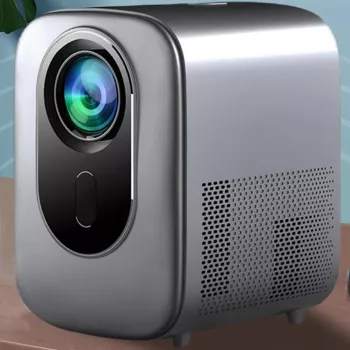
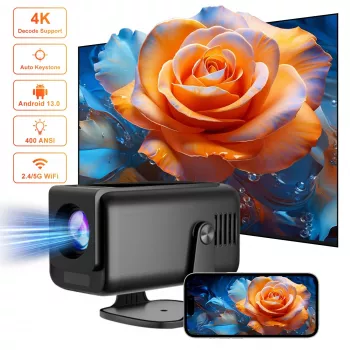
- 1080P Smart Home Projector with HDR10, WiFi 6, Bluetooth, and Netflix Built-In
- Your Smart Guide to Investing in Rural Real Estate | Digital eBook for Beginners & Investors | Rural Real Estate Investment Guide PDF Download
- Your Smart Start Checklist for Commercial Property Success – Commercial Property Investment Guide, eBook for New Investors, Digital Download
FAQ
Does Netflix built-in mean a streaming stick isn’t needed?
No—Netflix can be accessed directly from the projector’s smart interface. Some people still add a streaming stick for extra apps or a preferred interface, but it isn’t required for Netflix playback.
Will WiFi 6 make streaming look better?
WiFi 6 mainly improves network efficiency and stability on supported routers. Picture quality still depends on the streaming service’s bitrate, how steady the connection is, and your available internet speed.
Can Bluetooth speakers be used for movie audio?
Yes, Bluetooth pairing can be used with compatible speakers, soundbars, or headphones. If you notice audio lag, try enabling lip-sync/audio delay settings or switch to a wired audio option for the tightest sync.













Leave a comment